
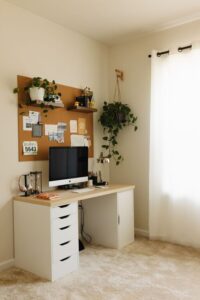

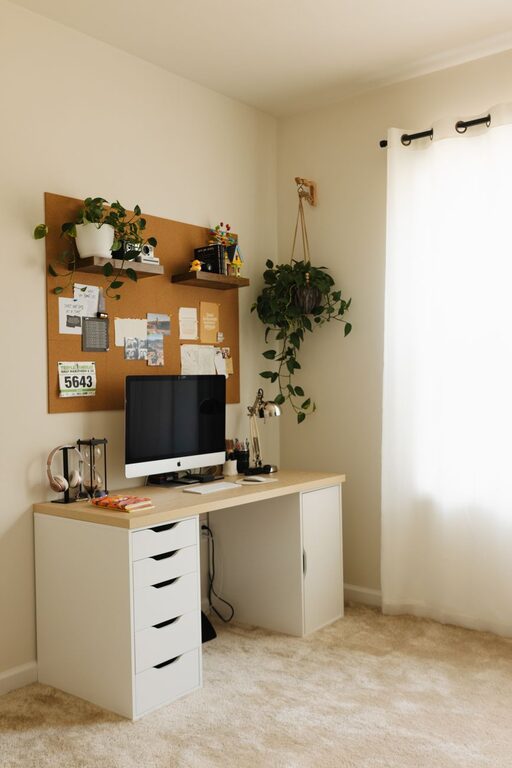
Creating a comfortable and productive home office space is essential for anyone working remotely or managing tasks from home. A well-designed workspace helps improve focus, reduce distractions, and promote better work habits. Whether you have a dedicated room or a small corner in your living area, the right setup can make all the difference. Here are some practical tips to help you create a home office that supports your comfort and productivity.
Choose the Right Location
Consider Natural Light
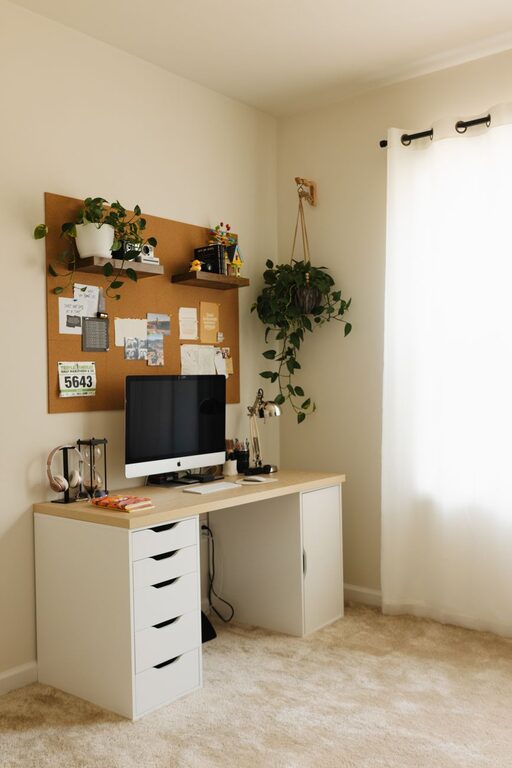
A space with plenty of natural light can enhance your mood and energy levels. Place your desk near a window if possible, but avoid glare on your screen by using adjustable blinds or curtains.
Minimize Distractions
Select a quiet area that is away from high-traffic zones. If space is limited, use room dividers or noise-canceling headphones to create a distraction-free environment.
Invest in Ergonomic Furniture
Comfortable Chair
A good office chair with adjustable height, lumbar support, and armrests helps prevent back pain and promotes good posture during long hours of work.
Functional Desk
Choose a desk that fits your needs — enough surface area for your computer, accessories, and paperwork without feeling cluttered. Adjustable desks that allow you to switch between sitting and standing can also improve comfort and energy.
Organize Your Space Efficiently
Declutter Regularly
Keep your workspace tidy by removing unnecessary items. Use cable organizers to manage cords and avoid a tangled mess.
Use Storage Solutions
Incorporate shelves, drawers, or file organizers to store documents, supplies, and personal items. Clear containers or labels can help you quickly find what you need.
Optimize Your Technology Setup
Reliable Internet Connection
A stable and fast internet connection is crucial for seamless work, especially if your job involves video calls or file sharing.
Quality Equipment
Use a good-quality monitor, keyboard, mouse, and headset to reduce eye strain and improve comfort and communication.
Personalize Your Workspace
Add Inspiring Decor
Incorporate plants, artwork, or items that motivate you. A touch of greenery can reduce stress and increase happiness.
Control Lighting
Use adjustable desk lamps or ambient lighting to complement natural light and reduce eye strain.
Manage Time Effectively
Create a Routine
Establish regular work hours and breaks. Use timers or apps to remind you when to stand, stretch, or step away from the screen.
Set Boundaries
Communicate your work schedule to family members or housemates to minimize interruptions.
Improve Air Quality and Comfort
Ventilation
Ensure your space is well-ventilated with fresh air to keep you alert and comfortable.
Temperature Control
Use fans, heaters, or air conditioning as needed to maintain a comfortable temperature.
Final Thoughts
Designing a home office that balances comfort and productivity is a personal process. It helps to assess what works best for your body, your job, and your living situation. Making thoughtful changes to your workspace can lead to better focus, healthier work habits, and an overall more enjoyable work-from-home experience. Start small and build your ideal home office over time — your comfort and productivity will thank you!